
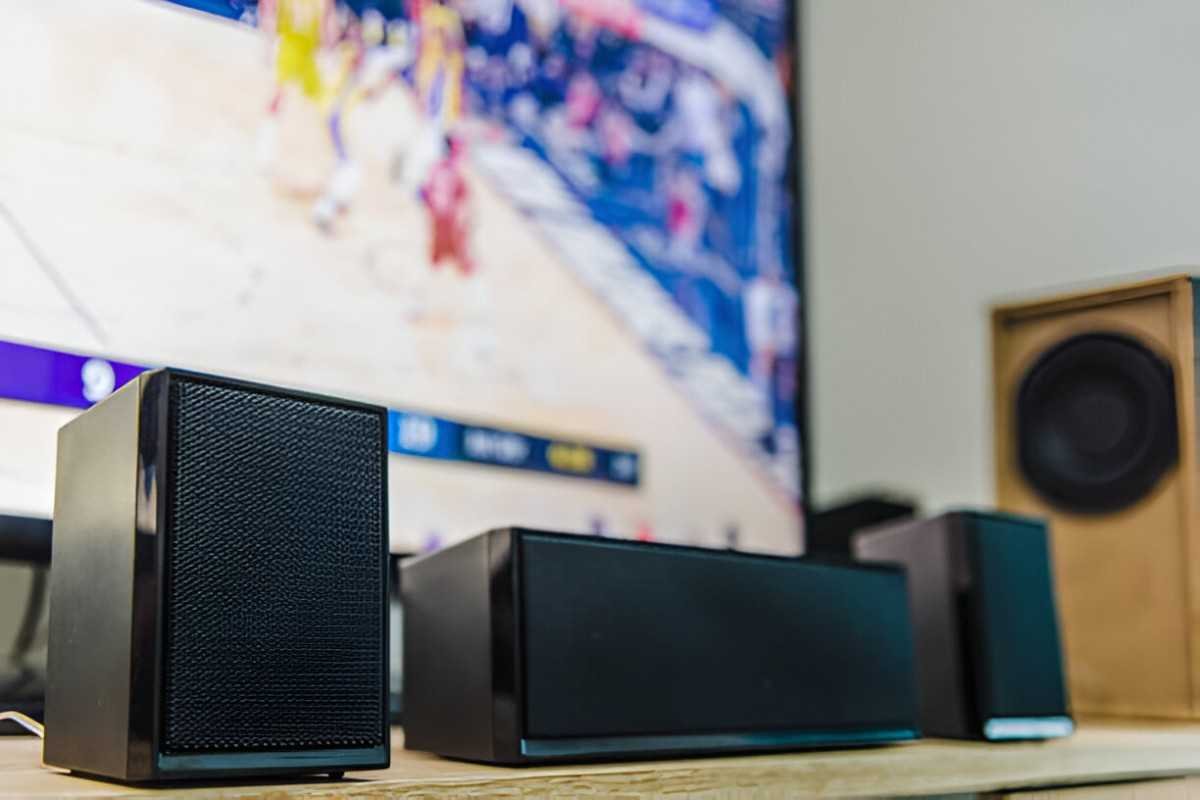
The modern home entertainment experience has evolved rapidly, with streaming soundbars becoming an essential part of many living rooms. These devices are no longer just about sound quality; they integrate with your streaming platforms, enhance your cinematic experience, and simplify your setup. Choosing the right soundbar can feel overwhelming, but I’m here to walk you through everything you need to know.
Table of Contents
What Is a Streaming Soundbar?
A streaming soundbar combines the functionality of a traditional soundbar with built-in streaming capabilities. Instead of needing a separate device like a Fire Stick, Roku, or Apple TV, these soundbars have integrated apps and platforms for direct access to services like Netflix, Hulu, and Spotify.
Why Choose a Streaming Soundbar?
Convenience
Having both streaming and audio capabilities in a single device reduces clutter. It’s perfect for those who value simplicity without compromising quality.
Enhanced Sound Quality
Streaming soundbars provide a major upgrade to TV speakers. They deliver better clarity, deeper bass, and more immersive surround sound effects.
Smart Features
Many streaming soundbars come with voice assistants, like Alexa or Google Assistant, making them a hub for smart home control.
Factors to Consider When Buying
Audio Quality
Look for:
- Channels: Soundbars with 2.0, 3.1, or even 5.1 channels provide varying degrees of immersive sound.
- Dolby Atmos: This feature creates a 3D sound experience, ideal for movies and gaming.
- Subwoofers: Some soundbars include external subwoofers for deeper bass.
Streaming Support
Check for built-in apps and services:
- Platforms like Roku, Fire TV, or Google TV are popular.
- Ensure your preferred streaming apps are supported.
Connectivity
Ensure the soundbar has the right ports and wireless options:
- HDMI ARC/eARC: For seamless audio and video.
- Bluetooth and Wi-Fi: For music streaming.
- Optical Ports: For older TVs.
Size and Compatibility
Your soundbar should match your TV size and fit your setup. Measure your space and consider wall-mounting options if necessary.
Budget
Set a realistic budget. Streaming soundbars range from budget-friendly models under $200 to high-end options exceeding $1,000.
Comparison Table: Top Streaming Soundbars
| Model | Audio Channels | Dolby Atmos | Streaming Platform | Voice Assistant | Price |
|---|---|---|---|---|---|
| Roku Streambar Pro | 2.0 | No | Roku | Alexa/Google | $179 |
| Sonos Beam (Gen 2) | 3.1 | Yes | None (requires app) | Alexa/Google | $449 |
| JBL Bar 5.1 | 5.1 | Yes | None | None | $599 |
| Fire TV Omni | 2.1 | No | Fire TV | Alexa | $249 |
| LG SN11RG | 7.1.4 | Yes | None | $1,499 |
Best Budget Pick: Roku Streambar Pro
The Roku Streambar Pro is an excellent choice for those on a budget. It offers clear audio for casual viewers and integrates the Roku streaming platform. Its compact size makes it perfect for apartments or secondary rooms.
Features:
- Integrated Roku interface.
- Decent sound for its size.
- Alexa and Google Assistant compatibility.
Drawbacks:
- Lacks Dolby Atmos support.
- Limited bass compared to models with subwoofers.
Best Mid-Range Option: Sonos Beam (Gen 2)
The Sonos Beam (Gen 2) strikes a balance between affordability and high-end features. With Dolby Atmos, it delivers immersive sound and integrates seamlessly with smart home systems.
Features:
- Compact design suitable for most living rooms.
- Dolby Atmos and enhanced dialogue clarity.
- Easy setup with the Sonos app.
Drawbacks:
- No built-in streaming platform.
- Requires Wi-Fi for optimal use.
Premium Choice: LG SN11RG
If you’re looking for the ultimate home theater experience, the LG SN11RG is worth the investment. With 7.1.4 channels and Dolby Atmos, it provides cinema-like audio.
Features:
- Supports high-resolution audio.
- Comes with wireless rear speakers and a subwoofer.
- Google Assistant for smart controls.
Drawbacks:
- Expensive.
- Bulky design might not suit smaller spaces.
Installation Tips
Positioning
- Place the soundbar below your TV for the best audio alignment.
- If using rear speakers, position them behind your seating area.
Connections
- Use an HDMI ARC/eARC connection for seamless integration.
- For wireless setups, ensure your Wi-Fi signal is strong.
Calibration
- Many soundbars include apps or remotes for audio calibration. Take the time to fine-tune your settings.
Troubleshooting Common Issues
Sound Lag
- Use HDMI ARC/eARC instead of Bluetooth.
- Check your TV’s audio settings.
Streaming App Crashes
- Update the soundbar’s firmware.
- Restart the device and your Wi-Fi router.
Poor Bass
- If your soundbar has a subwoofer, adjust its settings or reposition it.
Final Thoughts
Investing in a streaming soundbar can transform your entertainment setup. By considering factors like audio quality, streaming compatibility, and budget, you can find the perfect model for your needs. Whether you’re looking for a compact solution like the Roku Streambar Pro or a high-end setup like the LG SN11RG, there’s a soundbar out there that’s just right for you.